
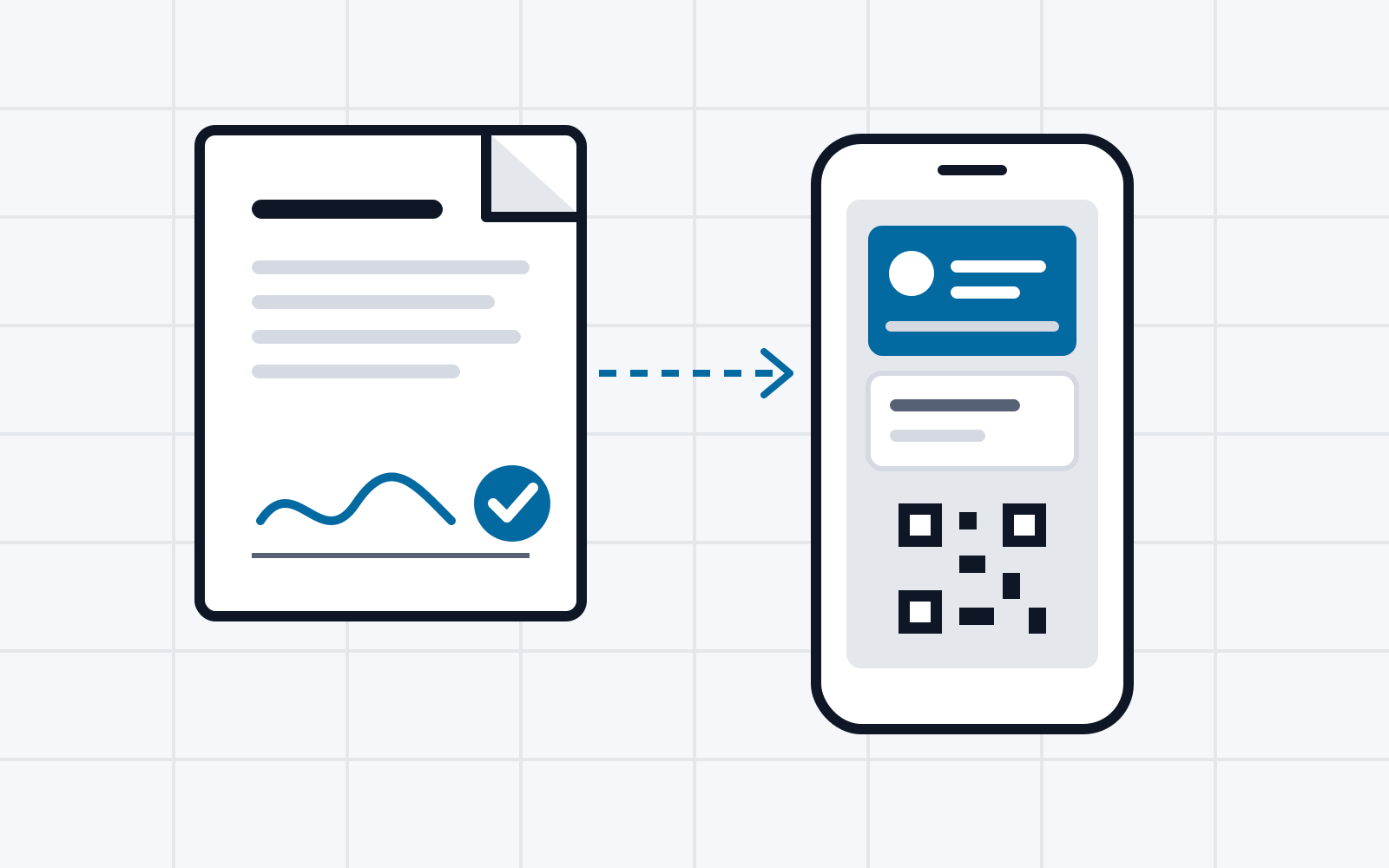
This proof of concept shows how a government application is signed with the European Digital Identity Wallet (EUDI Wallet). The wallet creates a qualified electronic signature (QES). It is equivalent to a handwritten signature. The authority “Digitales Amt Musterland” is fictitious.
Process
The example is an application for an International Driving Permit.
- Complete the application: The applicant completes the application in the online form.
- Sign: A QR code starts the signing process in the wallet. The wallet shows the document and its hash. Exactly this document is signed. After consent, a qualified trust service provider (QTSP) signs. The signed PDF goes straight back to the authority.
- Verify: The authority’s backend verifies the signature before submitting the application.
Technology
- Signing via the CSC API 2.0. The result is a PAdES PDF.
- The proof of concept never talks to the QTSP directly. The wallet chooses the QTSP.
- Tested with the Valera wallet. Without a wallet, a wallet simulator is available. It uses the same protocol endpoints as a real wallet.
Notes
- The proof of concept signs its requests with a test certificate. The wallet shows a warning about this.
- The demo includes an integration guide for authorities (German).