In 2018, Google introduced a new file format for submitting applications to Google Play called Android Application Bundle (AAB). As the main difference to the traditional APK format, AAB allows uploading resources and code modules to Google Play as a whole, where optimised APK files for distribution are generated automatically and signed using the developer’s certificate. This allows serving end users with APK files that only contain exactly the resources and code modules that are needed for their specific device configuration (CPU, screen density, system language, …).
When Google in 2021 announced to require app submissions in the AAB format for all new applications, criticism emerged pointing out that the new mechanism would grant Google the technical possibility to manipulate applications before delivery to end users unknowingly to the developer. As a reaction to this criticism, Google introduced Code Transparency, a system intended to allow developers and users to examine the integrity of the delivered program code.
In this research project, we analyse Code Transparency to evaluate which possibilities app stores still have for manipulating the program logic of applications submitted as AAB files.
1. Introduction
Unlike traditional desktop operating systems, the mobile operating systems that dominate today for smartphones and tablets were deliberately designed as relatively closed ecosystems. The usual argument for this closed nature points to the special security position of this device category. The density of sensitive data collected and managed on mobile devices is said to require particularly strict control by the platform providers. The official app store of a mobile platform has traditionally played a special role here. On iOS, the Apple App Store is the only way to obtain software. On Android, the official Google Play Store can be bypassed, but special licence agreements with device manufacturers still give it a privileged position on most Android devices.
After the market-dominating position of the official app stores had long been accepted as a necessity, resistance slowly emerged over the last few years. After some time of public debate, the EU finally adopted the Digital Markets Act (DMA) in 2022, which is meant to break the dominance of Apple and Google. The primary goal of these efforts is to free app developers from the distribution monopoly of the public app stores, which charge considerable commissions on every transaction (app sales, in-app purchases and app subscriptions).
However, the technical power position held by official app stores has hardly been examined so far. On iOS, all apps are signed by Apple, so Apple has always had the technical ability to manipulate apps arbitrarily between submission by the developer and delivery to the customer. Since essential parts of the operating system are under Apple’s complete control anyway (which essentially has to be accepted), this does not create an additional security risk.
In contrast, the balance of power on Android is considerably more differentiated. Although the Play Store operator Google also drives the development of the Android Open Source Project (AOSP), the firmware of each individual Android device is signed by the device manufacturer (usually not by Google). In addition, apps (more precisely APK files) on Android were traditionally signed by the developer, so after submission by the developer there was no way to manipulate an app without losing the original signature. If apps verify their signing certificate at runtime (which is routinely implemented in sensitive apps), users could be sure to run the app exactly as the developer had submitted it to Google.
These integrity guarantees for applications on the Android platform were abolished in 2018 with the introduction of the optimised format Android Application Bundles (AAB). Apps are now signed by Google, which is thus technically able to manipulate apps before delivery. To counter this danger, Google introduced Code Transparency in 2021, at the same time as it made AAB mandatory for new apps. With Code Transparency, the developer creates an additional signature over all code components of an app and embeds it in the app.
This report analyses whether AAB with Code Transparency provides the same integrity guarantees as the earlier app distribution via APK files signed by the developer.
2. Background
This section explains the technologies that are necessary to understand the later discussion.
2.1. Android
Android is the most popular operating system for mobile devices such as smartphones and tablets. The system is developed within the Android Open Source Project (AOSP) by several device manufacturers under the leadership of Google. From a technical point of view, it is an operating system based on a Linux kernel. However, the userspace components differ substantially from those of any other Linux distribution. They were newly developed specifically for the requirements of mobile devices.
2.2. Android Apps
Android allows users to run arbitrary third-party applications. Google provides a software development kit (SDK) with which developers can write applications in the programming languages Java, Kotlin, C and C++. After compilation, programs can be packaged into an Android Package (APK) file and installed on an Android device.
2.3. APK Files
The Android system allows the installation of applications only in the APK format. This is essentially a ZIP archive with a clearly defined structure. Central elements within this structure are:
The application manifest An XML file created by the app developer, which can be regarded as a “contract” between the app and the Android system. Here the developer specifies, among other things, the permissions and features that the app needs at runtime, and declares which functionality the app makes available to the operating system or to other apps on the system. The most common exported components are activities (UI screens), ContentProviders (regulated access to the app’s data) and services (background functionality).
DEX files Dalvik Executable (DEX) files contain the compiled program code that was compiled from Java or Kotlin. During compilation, it is transformed into Dalvik bytecode. This is an intermediate representation that facilitates platform-independent execution of the code on the device. It is worth noting in this context that crucial high-level information about the original program code is preserved in Dalvik bytecode. Unlike programs that exist as machine code, the implemented functionality can therefore be reconstructed relatively easily and subsequently modified.
SO files (native libraries) Developers can implement parts of an app in native programming languages such as C and C++. In the APK package, these are stored as ELF shared objects (file extension .so). They can be called from Java code via the Java Native Interface (JNI).
Resources Within an APK package, all resources are entered in a central index file (resources.arsc). Value data (strings, integers, styles, …) is stored directly in the index, while all other data (UI layouts, bitmaps, configurations, …) is stored in separate files in the APK package.
2.4. APK Signing
Before an app in the APK format can be installed on an Android device, it must be signed by the developer. For this, the developer generates an asymmetric key pair consisting of a private key and a public certificate. Key and certificate are cryptographically linked in such a way that the certificate can be used to establish that the APK file was signed by the owner of the private key.
During the signing process, a digital fingerprint of each file in the APK file is calculated. Finally, a fingerprint of these fingerprints is encrypted with the private key, and the certificate with the public key is stored in the APK file. During installation of the application, the operating system calculates the same fingerprints and compares the resulting fingerprint with the signature value decrypted using the public key. If they match, it can be cryptographically confirmed that the APK file was signed by the owner of the private key that matches the certificate.
In this scenario, the signature of an APK file is meant to link each application to a developer identity. Although the certificate often contains information about the developer’s name, from a cryptographic point of view the developer identity consists only of the private key. Because key pairs (or certificates) are issued by the developer themselves and are not centrally monitored, arbitrary information can be stored in the certificate. The app signature therefore does not allow reliable conclusions about the legal identity of the developer.
App signatures nevertheless serve as a security mechanism, as the operating system ensures that an app update can only be installed if it was signed with the same developer key as the previously installed app version. This ensures that a malicious app update (from an attacker) cannot access the data that the user has stored in the app. This data may under some circumstances be sensitive, for example credentials for a web service.
2.5. Android Application Bundles
The APK format that the Android platform uses for installation on end devices was for a long time also used as the distribution format in which developers submitted their application to Google Play. However, it turned out that the format was inefficient here. Since the developer usually submitted a single APK file to Google Play that was meant to support as many Android devices as possible, it had to contain resources and native libraries for all supported devices. For example, on x86 devices the file required storage space for native libraries that were actually only used on ARM devices.
To solve this problem, Google introduced a new format called Android Application Bundle (AAB) for the distribution of applications in 2018 [1]. Since 2021, new applications must use this format [2].
Like the APK format, the AAB format consists of a ZIP archive with a clearly defined structure of the files it contains. These include compiled program code in DEX and SO files, as well as resources and assets. In addition, details on how to create APK files from the AAB file are stored in metadata.
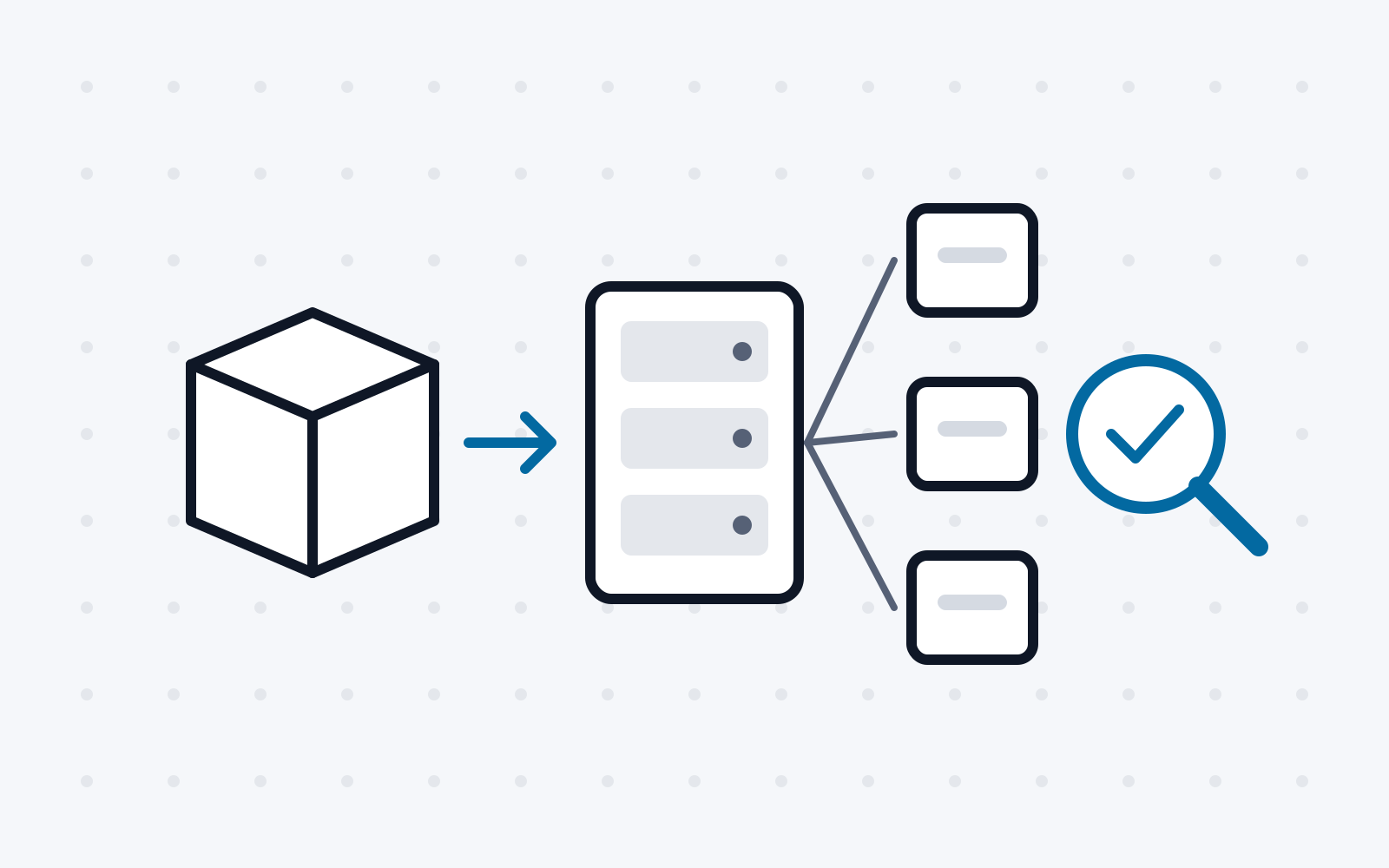
After the AAB file is uploaded to Google’s servers, optimised APK packages for installation on specific end devices are generated there. To avoid having to generate a separate APK package for every possible device, split APKs are created. For this, the package is divided into different parts (“splits”), each of which exists in different variants (optimised for different devices). For example, the split for native libraries exists for x86 and ARM CPUs. The app installation on a specific device can then be assembled from different splits (for example the ARM variant for the native libraries split, English for the language split and XHDPI for the screen resolution split). Several APK files are therefore installed together during installation.
According to official statements, the generation of APK files on Google’s servers is carried out using bundletool [3]. The source code of this software is made available to the public under an open-source licence, so that third-party app stores can also support the AAB format. In addition, app developers can use the tool locally to generate APK packages from their AAB files for testing purposes.
2.6. Code Transparency
As a result of the switch from APK to AAB as the format for submitting apps to Google Play, generated APK files are now signed by Google. For new apps, this means in practice that Google creates and subsequently manages the APK developer certificate. For existing apps that migrate to AAB, developers must hand over the key for their existing developer certificate to Google.
Through this change, Google is now technically able to modify apps before delivery to end customers without the developer’s knowledge. Unlike the earlier scenario, where APK files were already signed by the developer and the key was never disclosed to Google, the APK signature is therefore ineffective against attacks by Google (or, in general, the app store operator).
To solve this problem, Google introduced a scheme called Code Transparency in 2021 [2] [4]. Here, the app developer signs DEX and SO files within the AAB file with a key that is never disclosed to Google. The signature is transmitted to Google in the AAB in the form of a JavaScript Web Token (JWT) file and embedded in every generated APK package. New functionality was integrated into bundletool for generating the JWT file for an AAB and for verifying Code Transparency for an APK package or an AAB file.
To use Code Transparency to check whether DEX or SO files have been modified, a developer must download the APK file from Google Play and use bundletool locally to check whether the contained Code Transparency JWT file is consistent, that is, that the recorded hash values of DEX and SO files match those of the referenced files and that the signing certificate of the JWT file matches the developer’s certificate.
It is worth noting here that Code Transparency is never checked by the Android operating system at any point and is not a prerequisite for the installation of an APK package at all.
Furthermore, while verifying Code Transparency is technically possible for end users, they must first obtain the developer’s legitimate certificate through an additional information channel.
3. Prevalence of Code Transparency
As a first step in the analysis of Android Code Transparency, this section determines the prevalence of Code Transparency among the applications available on Google Play.
3.1. Setup
Since Google provides neither an official dataset of all Android applications for research purposes nor an index of all package names, we used the AndroZoo dataset [5] for our analysis. It contains APK files of several million applications from various sources. First, we had to filter the dataset to restrict our analysis to the subset of apps obtained from Google Play. This gave us a list of over 6 million package names that were available on Google Play at some point in time.
Because AndroZoo contains hardly any metadata, in the next step we developed our own tool that downloads app metadata from Google Play via the interface reverse-engineered by the Aurora project [6].
Using the metadata obtained, we were able to restrict our dataset to 3,265,096 apps that could be obtained free of charge from Google Play in April 2023.
3.2. Code Transparency Detection
Whether an APK file was equipped with Code Transparency by the developer can be determined by checking the contents of the archive for the existence of a file at /META- INF/code_transparency_signed.jwt.
To be able to run this process efficiently for 3 million apps, we developed a tool that downloads only the ZIP central directory of each APK archive from the AndroZoo dataset in order to determine the presence of the JWT file.
3.3. Results
Of the 3,265,096 apps in our dataset, 1,528,310 were submitted by developers to Google as AAB files according to their metadata. Only 21 of these had been signed with Code Transparency. These 21 apps were published by 6 different developers. In addition, similarities in user interface and function suggest that 4 apps were written by the same contract developer and merely published by different publishers, so that in total only 4 different developers can be said to integrate Code Transparency into their builds.
In view of these alarming figures, it can be assumed that the broad mass of developers either are not aware of the problem that app store operators are technically able to manipulate apps with AAB, or are not convinced by Code Transparency as a solution to this problem.
4. Flaws in the Implementation of Code Transparency
In our analysis of Android Code Transparency, we first looked at the implementation in the form of the open-source bundletool project. Here we identified three problems.
4.1. Problems with DEX and SO Files in Assets and Resources
When the Code Transparency JWT file is generated in an Android Application Bundle, only DEX and SO files located in the default paths for these file formats in the AAB file are taken into account. This covers the files that are loaded by the Android runtime when the app starts. However, apps can also store DEX and SO files in the resources or assets, for example, and load them from there at runtime. This is the case, for example, with apps that include the Facebook Audience Network SDK.
When an AAB file of such an app is uploaded to Google Play, APK files are generated without an error message. When one later tries to validate the Code Transparency of a generated APK package, however, bundletool warns of a manipulation of the APK file, because contained DEX or SO files are not covered by the signature.
Effectively, the integrity check is disabled here. Developers have no control over the DEX file delivered in the assets by the Facebook Audience Network (or other libraries built in a similar way), so they have to accept the error in the validation of Code Transparency. An attacker (with control over the infrastructure of the app store operator, such as Google) would be able to manipulate the DEX file without any change appearing in the Code Transparency validation.
4.2. App Archiving
Since December 2022, Google Play has allowed users to archive an app installation [7]. In this process, the installed APK package is replaced by a minimal placeholder that carries the same package name, is signed with the same developer key as the full APK file, and whose only functionality is to trigger the re-download of the full APK file. A user can archive rarely used apps to save the storage space of the full APK file without losing the files stored in the app.
To implement the re-download of the full APK file, the placeholder app must contain a DEX file that comes not from the actual app developer but from Google. While the first versions of the archiving function simply ignored Code Transparency for this, Google eventually found a solution to support Code Transparency despite app archiving.
For this, the DEX file of the placeholder app is delivered in already compiled form as a resource by bundletool. When a developer creates a Code Transparency JWT for an AAB, they now implicitly (without being made aware of it) also sign a DEX file whose source code and exact functionality are unknown to them. It can therefore be said that the original goal of Code Transparency (to ensure that APK files contain the code provided by the developer) is missed.
4.3. Reuse of the APK Certificate
For the effectiveness of the Code Transparency procedure, it is essential that the signing key of the JWT file is not known to the app store operator (usually Google). In the documentation for Code Transparency, Google therefore points out that the same key must not be used for Code Transparency and APK signing.
However, the bundletool implementation never checks this restriction. When creating APK files, the implementation should check whether the signing key passed in matches that of the JWT signature. In this case, the operation should be aborted.
5. Conceptual Flaws of Code Transparency
The conceptual examination of Code Transparency reveals significant weaknesses.
5.1. Android Manifest Not Covered
The Code Transparency scheme is limited to the DEX and SO files of an app. The Android manifest in the APK is therefore not covered. That this file plays a central role for the functionality of an application is already evident from the official developer documentation1. On closer analysis of the Android source code, however, it can also be established that the file not only contains essential information about the app, but also has control over the classpath (source of the automatically loaded classes) and the execution of the app. For example, manifest entries can be used to inject a DEX file from a separate APK package into the app, so that Code Transparency can effectively be bypassed.
5.2. Executable Code in Resources
Code Transparency also does not take into account that applications can contain executable code in forms other than SO and DEX files. Worth mentioning here are, for example, apps that implement part of their logic in JavaScript, in JS or HTML files that are not covered by Code Transparency. Code Transparency remains intact here even though serious changes to the program logic can be made.
5.3. Security-Critical Role of Configuration Files
The role of configuration files in the app resources must also be addressed here. In the Network Security Configuration, an app can specify, for example, which CA certificates it trusts for TLS connections. If an attacker manipulates this file, they can insert their own certificate with which they can carry out MITM attacks on the app’s server communication.
While for these MITM attacks the attacker needs not only the ability to manipulate the APK but also the ability to intercept the network connection (usually, for example, through attacks on the link layer, which requires physical proximity to the victim), depending on the app, considerably more drastic attacks on server communication are possible using configuration files. In some apps, for example, URLs of backend servers are stored as string resources. In these cases, a malicious app store operator could rewrite the URL to a proxy server controlled by the attacker and thus eavesdrop on network connections without physical proximity to the victim.
6. Summary
In this report, we examined the new distribution format Android Application Bundle and the Code Transparency scheme developed for it with regard to security aspects. In addition to a detailed description of the technical implementation and the conceptual functioning, the prevalence of Code Transparency in apps on Google Play was determined. Furthermore, conceptual weaknesses of Code Transparency were pointed out, which overall strengthen the position of app store operators in the Android ecosystem and can thereby potentially harm users and app developers.
References
[1] T. Lim, „I/O 2018: Everything new in the Google Play Console,“ 08 05 2018. [Online]. Available: https://android-developers.googleblog.com/2018/05/io-2018-everything-new-in-googleplay.html. [Zugriff am 2023].
[2] D. Elliott, „The future of Android App Bundles is here,“ 29 06 2021. [Online]. Available: https://android-developers.googleblog.com/2021/06/the-future-of-android-app-bundles-is.html. [Zugriff am 2023].
[3] Google, „Bundletool is a command-line tool to manipulate Android App Bundles,“ [Online]. Available: https://github.com/google/bundletool.
[4] Google, „Code transparency for app bundles,“ 28 07 2021. [Online]. Available: https://developer.android.com/guide/app-bundle/code-transparency. [Zugriff am 2023].
[5] K. Allix, T. Bissyande, J. Klein und Y. Le Traon, „AndroZoo: Collecting Millions of Android Apps for the Research Community,“ Proceedings of the 13th International Conference on Mining Software Repositories, 2016.
[6] A. Gupta, „Aurora Apps Open-Source Software. Inspired by you. Built for the community.,“ [Online]. Available: https://auroraoss.com. [Zugriff am 2023].
[7] L. Gaymond und V. Amin, „Freeing up 60% of storage for apps,“ 08 03 2022. [Online]. Available: https://android-developers.googleblog.com/2022/03/freeing-up-60-of-storage-for-apps.html. [Zugriff am 2023].