Juice jacking refers to a family of attacks on mobile devices in which a manipulated charging cable is used to extract data or install malware. Users are particularly vulnerable to this type of attack wherever existing infrastructure is used instead of a personal charger, for example in the form of charging stations at airports. After the introduction of user confirmation dialogs or comparable interaction mechanisms for USB connections used for data transfer, juice jacking attacks were largely considered obsolete and were no longer pursued by the research community.
Within the scope of this project, the effectiveness of user interaction as a countermeasure against juice-jacking attacks on mobile devices from the most popular manufacturers was evaluated. To this end, methods were investigated and implemented that allow an attacker to bypass the required interaction and thus extract data even from current devices.
1. Introduction
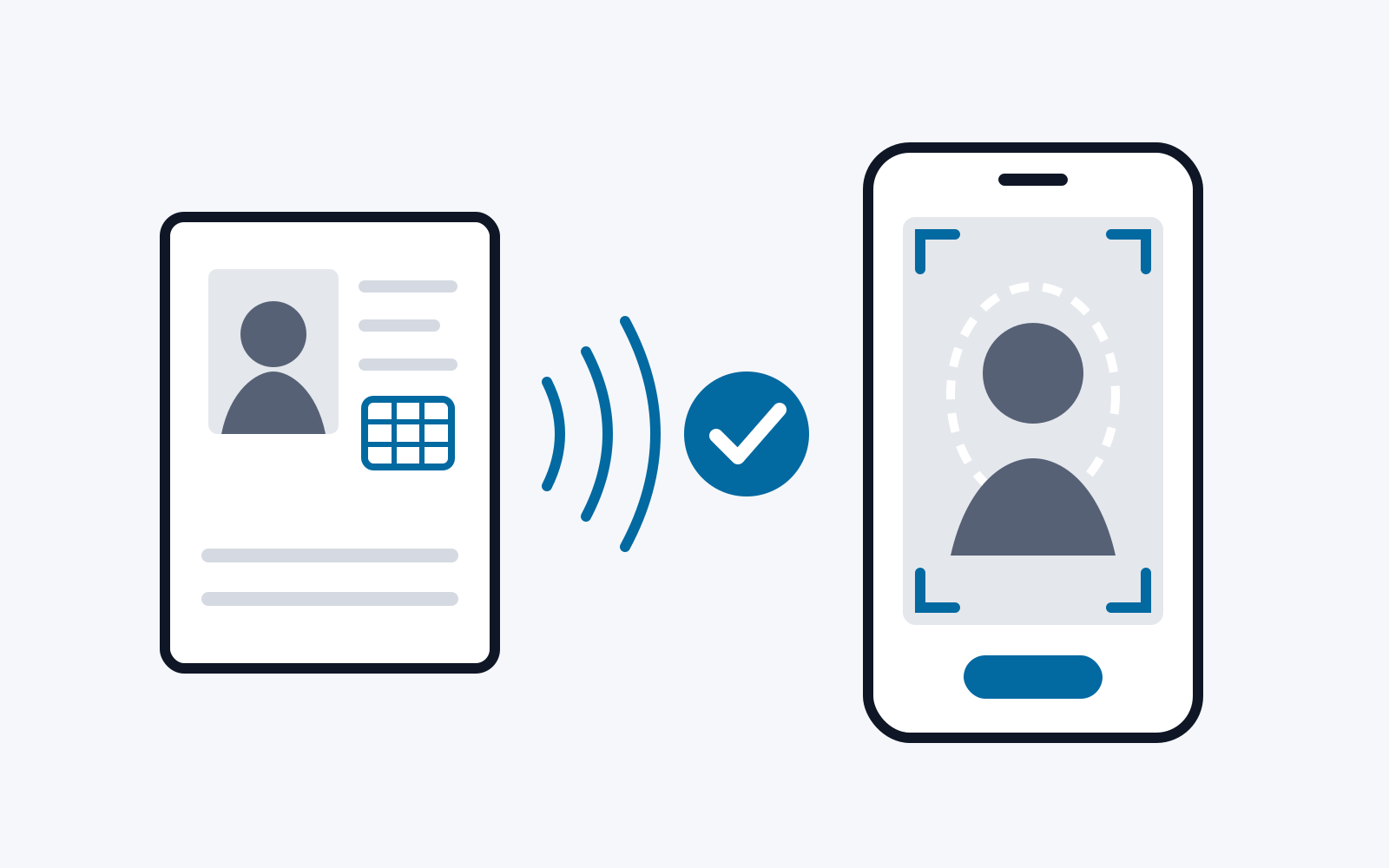
The concept of juice-jacking attacks caused a stir around 2011. At the time, security researchers first reported the possibility of using malicious chargers to steal files from mobile devices or silently install apps, such as spyware. These attacks exploited the fact that mobile devices, such as smartphones and tablets, use the same interface for both charging and data transfer. Nevertheless, operating systems initially applied a trust-by-default principle to the USB interface. The assumption was that requiring users to physically connect the devices would implicitly ensure that establishing a software connection also reflected their intentions. However, this assumption was a flaw in the trust model: users cannot determine the function of a cable or connected accessory from its physical appearance alone. It was therefore possible to disguise a computer as a harmless charger that would establish a data connection once plugged in. The charger could then use this data connection to steal files or silently install apps, for example.
Shortly after these juice-jacking attacks emerged, both Google and Apple updated their mobile operating systems, Android and iOS. Specifically, they introduced a requirement for user interaction before a computer could establish a USB data connection to a mobile device. The precise form of this interaction varied by manufacturer. In all cases, however, the measure was intended to ensure that users were aware of the subsequent data exchange or had initiated it themselves.
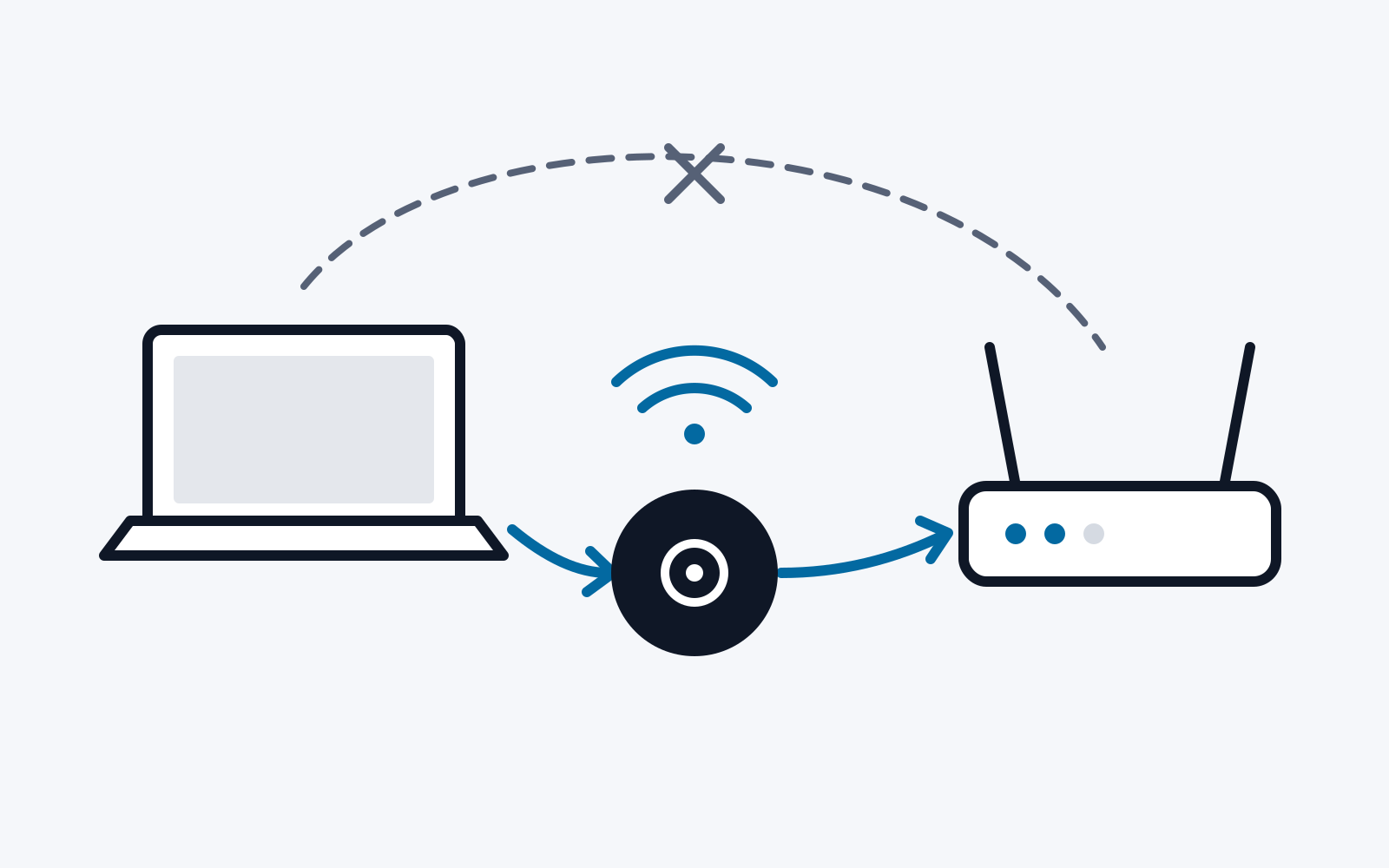
Unlike connections between a computer acting as a USB host and a mobile device acting as a USB device, connections between a mobile device acting as a USB host and a peripheral acting as a USB device were left unchanged. Even on current smartphones and tablets, USB input devices such as keyboards and mice, or USB output devices such as headphones and monitors, can still be used immediately after being physically connected, without additional user interaction. In recent years, attacks involving malicious chargers therefore focused on stealing data by acting as USB peripherals. For example, these attacks simulated a USB-to-HDMI adapter to extract text from the screen using optical character recognition (OCR) [1]. Other attacks secretly acted as USB audio interfaces, using audio input to issue commands to the device’s voice assistant and audio output combined with speech recognition to extract data [2]. However, all these approaches have one thing in common: their capabilities fall far short of those of the earlier juice-jacking attacks. The prevailing view was therefore that the countermeasures introduced effectively prevented unnoticed data connections between a computer hidden inside a charger and a mobile device.
This project systematically examined that assessment. We first analyze how mobile operating systems and manufacturers’ operating system variants implement the user interaction required to enable USB file sharing. We then examine the theoretical foundations on which the security of this measure rests. Finally, we show that these theoretical foundations do not match the practical reality of modern mobile operating systems. We present several attacks that bypass the user interaction required to enable USB file sharing.
2. Background
This section explains the technologies needed to understand the discussion that follows.
2.1. USB
USB, the Universal Serial Bus, is an interface for connecting peripherals to a computer. The standard was the first successful attempt to unify the many proprietary connectors previously used by different manufacturers for a wide range of input and output devices. Since its introduction in the mid-1990s, USB has become established for almost every type of consumer peripheral. USB mice and keyboards, hard drives, DVD drives and other storage media use the interface, as do printers, cameras, and many other devices. Within just a few years, the widespread adoption of the USB standard and its ports led many devices to use USB connections for power, even if they were not input or output devices at all. Bicycle lights and fans, for example, can now be charged or powered through USB ports.
All USB communication takes place between a USB host and a USB device. The USB host controls the connection and can essentially request functionality or data from the USB device. Data flows in the opposite direction only when initiated by the USB host. Communication can therefore be described as host-directed.
Conceptually, USB data is always transferred between a USB host and a USB device, rather than between multiple USB hosts or multiple USB devices. However, a single USB host can operate multiple USB devices. This bus topology is implemented using USB hubs, which can forward communication packets from the host to multiple devices. USB can therefore be described as having a tree-shaped bus architecture.
When a USB device is plugged into a host, the host initiates communication by requesting the device’s descriptors. These are data structures that describe the USB device’s characteristics. They include, for example, the device’s manufacturer and product name, as well as its functionality in the form of interface descriptors. These descriptors allow the host to identify the type of device connected and load an appropriate device driver.
2.2. USB Connectors and Versions
Several revisions have been published since the USB standard was first released in the mid-1990s [3]. These revisions primarily differed from their predecessors by supporting higher data transfer rates. While maintaining extensive backward compatibility with older USB standards, they also introduced new functionality that required hardware changes.
In its first two versions, 1.0 and 1.1 [4], the USB standard specified connectors with only four electrical connections. Two of these connections, or pins, supply power to the USB device (5 V and ground), while a differential pair is dedicated to data transfer.
Different USB sockets and plugs were specified to determine each port’s role in the USB connection. A distinction is made between the following connectors:
- USB-A: This is the familiar USB connector used by devices such as USB flash drives. The device with the USB-A socket is always the USB host.
- USB-B: USB devices without a permanently attached cable or USB-A plug use a USB-B socket. Devices with a USB-B socket, as defined by USB 1.0 or 1.1, always act as USB devices and never as hosts.
A significant change in version 2.0 of the USB standard [5], with respect to juice-jacking attacks, was the introduction of USB On-The-Go [6]. This allows a USB-capable device to act as either a device or a host. It was implemented by adding an extra pin to the newly introduced smaller variants of the USB-A and USB-B connectors, Mini-USB and Micro-USB. Different wiring configurations for this pin signal the connected device’s role in the USB connection. After a physical connection is established, OTG-capable devices check the state of this so-called ID or sense pin to switch their USB stack to the appropriate mode. The choice of which communication partner acts as host and which as device is therefore still fixed in hardware. Different cables are available in which the wiring of the ID pin on the Micro-USB-B connector allows either USB peripherals, such as mice and keyboards, to be connected to a USB OTG socket, or the OTG-capable device to be connected to a computer.
Before the introduction of USB Type-C, Micro-USB connectors, often with OTG support, were widely used on smartphones and tablets, particularly those running Android.
Version 3.0 of the USB standard [7] introduced additional pins in the USB-A connector, as well as new backward-compatible Micro and Mini connectors. The additional pins enable faster transfer speeds through two parallel data pairs.
2.3. USB Type-C
For just over five years, the USB Type-C standard [8] has been gaining ground among mobile devices. It introduces a new USB connector with several advantages over Micro-USB Type-B:
- Reversible: The plug can be inserted into the socket in either orientation.
- Higher data rates: The greater number of pins enables data rates of several Gbit/s.
- Higher charging current: The connector was designed to support at least 15 watts of power.
It should be emphasized that the USB Type-C connector can be used largely independently of the USB specification governing data transfer. In practice, some devices with USB Type-C support only USB 2.0 data transfer speeds. However, the latest USB 4.0 standard requires the use of the Type-C connector. This eliminates the distinction between host and device at the connector level, which still existed in part up to USB 3.0.
While early adopters of Type-C simply used it as a physical connector for a USB 2.0 interface, almost every mobile device today also supports Power Delivery [9]. This is an additional communication protocol that allows two devices connected via USB Type-C to negotiate the details of their data and power exchange. This communication takes place over a separate pair of pins in the USB Type-C connector. In addition to several standardized messages, Power Delivery allows device manufacturers to extend the protocol with proprietary messages.
2.4. USB Connectivity on Mobile Devices
Modern mobile devices can generally act as either a USB host or a USB device. As a USB device, iOS supports the Picture Transfer Protocol (PTP), for example, while Android also supports the more extensive Media Transfer Protocol (MTP), which builds on PTP. Both protocols allow the USB host to first request a list of available files and folders from the mobile device, and then read and write their contents. While MTP on Android allows access to files of any type, access on iOS is restricted to image and video files. As mentioned above, USB file access must first be explicitly authorized by the user on both iOS and Android.
As USB hosts, both operating system families support the connection of peripherals. USB mice and keyboards, for example, can be used to operate the user interface. USB audio interfaces and storage devices, such as USB flash drives, memory card readers, and hard drives, are also widely supported. Higher-end mobile devices in particular also support external displays connected through the USB port.
In addition, iOS and Android offer platform-specific accessory protocols that provide functionality over USB beyond the basic USB specification.
3. Implementations of Juice-Jacking Defenses
This section describes and analyzes the juice-jacking defenses implemented by different manufacturers. All approaches require user interaction to enable USB file access.
3.1. Devices
Our analysis uses the devices and operating systems listed in Table 1. The selection includes a current device from each of the five Android manufacturers with the highest global market share in May 2024: Samsung, Xiaomi, Oppo, Vivo, and Huawei. We also include a current device from Apple, the market leader in mobile devices. For Samsung, the leading Android manufacturer, we include four devices to cover a range from low-end to high-end models from a single manufacturer. We also select a current Google Pixel phone, as these devices run a largely unmodified AOSP build. Finally, we include a device from Honor to represent the many smaller device manufacturers.
| Manufacturer | Model | Operating system | USB Power Delivery |
|---|---|---|---|
| Samsung | Galaxy A14 | Android 13 (One UI 5) | Yes |
| Samsung | Galaxy S20 FE | Android 13 (One UI 5) | Yes |
| Samsung | Galaxy A33 | Android 14 (One UI 6) | Yes |
| Samsung | Galaxy A23 | Android 14 (One UI 6) | Yes |
| Xiaomi | 12 | Android 13 (MIUI 14) | Yes |
| Vivo | Y36 | Android 13 (Funtouch OS 13) | Partial (no Data Role Swap) |
| Oppo | A58 | Android 13 (Color OS 13) | Yes |
| Huawei | Nova 12i | Android 12 (EMUI 14) | Yes |
| Honor | 90 Lite | Android 13 (Magic OS 7.1) | Yes |
| Pixel 7a | Android 14 | Yes | |
| Apple | iPad Pro 2022 | iOS 17.4.1 (iPadOS 17.4.1) | Yes |
Table 1: The mobile devices analyzed.
All devices examined have a USB-C port. All also support the USB Power Delivery protocol in principle. However, the Vivo Y36 supports only the part of the protocol used to negotiate charging current between the charger and the mobile device. It does not support protocol messages for managing the data role in the connection. This particularly affects USB Power Delivery Data Role Swap, which allows the communication partners to dynamically exchange their roles as USB host and USB device.
3.2. Implementation Variants
Across our collection of devices, we identified three different implementations of juice-jacking mitigations.
Variant 1: Confirmation dialog. As soon as the mobile device is connected to a USB host, a dialog with two controls appears. These allow the data connection to the USB host to be accepted or rejected. This implementation is found on all devices from Samsung and Apple.
Variant 2: Selection dialog. As above, a dialog appears as soon as the mobile device is connected to a USB host. Here, however, users are shown all the functions that can be assigned to the USB connection. Depending on the manufacturer, these may include sharing the mobile internet connection with the USB host, in addition to file transfer. If users do not wish to allow data exchange, they must select “Charging only” or a similar entry from the list. This implementation is found on devices from Xiaomi, Oppo, Huawei, and Honor.
Variant 3: Notification and settings. In this variant, the system merely displays a notification informing users that the device has been connected to a USB host. Initially, no data transfer is allowed. To change this, users must tap the notification to open the system settings and select a different function for the USB connection. The available options are roughly the same as those offered in the selection dialog described above. This implementation is found on devices from Google and Vivo.
Each of these three variants therefore requires user interaction. However, none authenticates the user. Instead, they assume that the device must be unlocked before the user interaction to enable a USB data connection can take place. Since unlocking the device requires user authentication, authentication is not requested again when enabling the USB data connection.
4. Principles and Security of Juice-Jacking Mitigations
The solutions described in the previous section are intended to prevent juice-jacking attacks in which a malicious charger steals data from the device. For this protection to hold, such a malicious charger must be unable to perform the user interaction itself. It must therefore be impossible to establish a data connection to the mobile device while simultaneously sending input events.
At its core, this defense against juice jacking relies on the USB specification. According to the specification, a USB port can act only as either a USB host or a USB device at any given time. A malicious charger could therefore either send input events as a USB device, such as a keyboard, to simulate the user interaction required to enable USB data sharing, or establish a USB data connection as a USB host, for which authorization is required. Data sharing can be authorized only while a connection to a USB host exists.
That is the theory. However, we found that all tested mobile operating systems provide ways for a malicious charger to send input events during a USB data connection and thereby authorize data sharing on its own.
All operating systems require the screen to be unlocked before USB data sharing can be authorized. However, smartphone users generally continue to use their devices intermittently while charging and must naturally unlock them to do so. In this scenario, the lock screen therefore presents no real obstacle to an attacker; only the requirement for user interaction to enable USB file sharing remains.
5. Attacks
In this project, we found three different ways for a malicious charger to autonomously perform the interaction required to authorize USB data sharing. This allows the charger to extract data without the user noticing. While all three methods work on Android, only one also works on iOS. Table 2 compares the three attack methods.
| Attack method | Duration | Prerequisites | Systems | Noticeability |
|---|---|---|---|---|
| AOAP | 0.1–1.5 seconds | None | Android <15* | Barely noticeable |
| Race condition | A few seconds | None | Android <15* | Potentially noticeable |
| Bluetooth HID | Several seconds | Depending on the device: Bluetooth already enabled | Android <15* and iOS <18.4 | Visible, but seemingly harmless |
* The device manufacturer must have integrated Google’s changes into its Android version.
Table 2: Overview of the attack methods identified.
Although these methods can bypass all the implementations of user interaction described above, some variants are particularly easy to bypass inconspicuously. Specifically, implementations that already display a dialog require fewer steps. The dialog is therefore visible only briefly before being confirmed by the malicious charger. The different methods for autonomously authorizing USB data sharing also differ in how noticeable they are to the user.
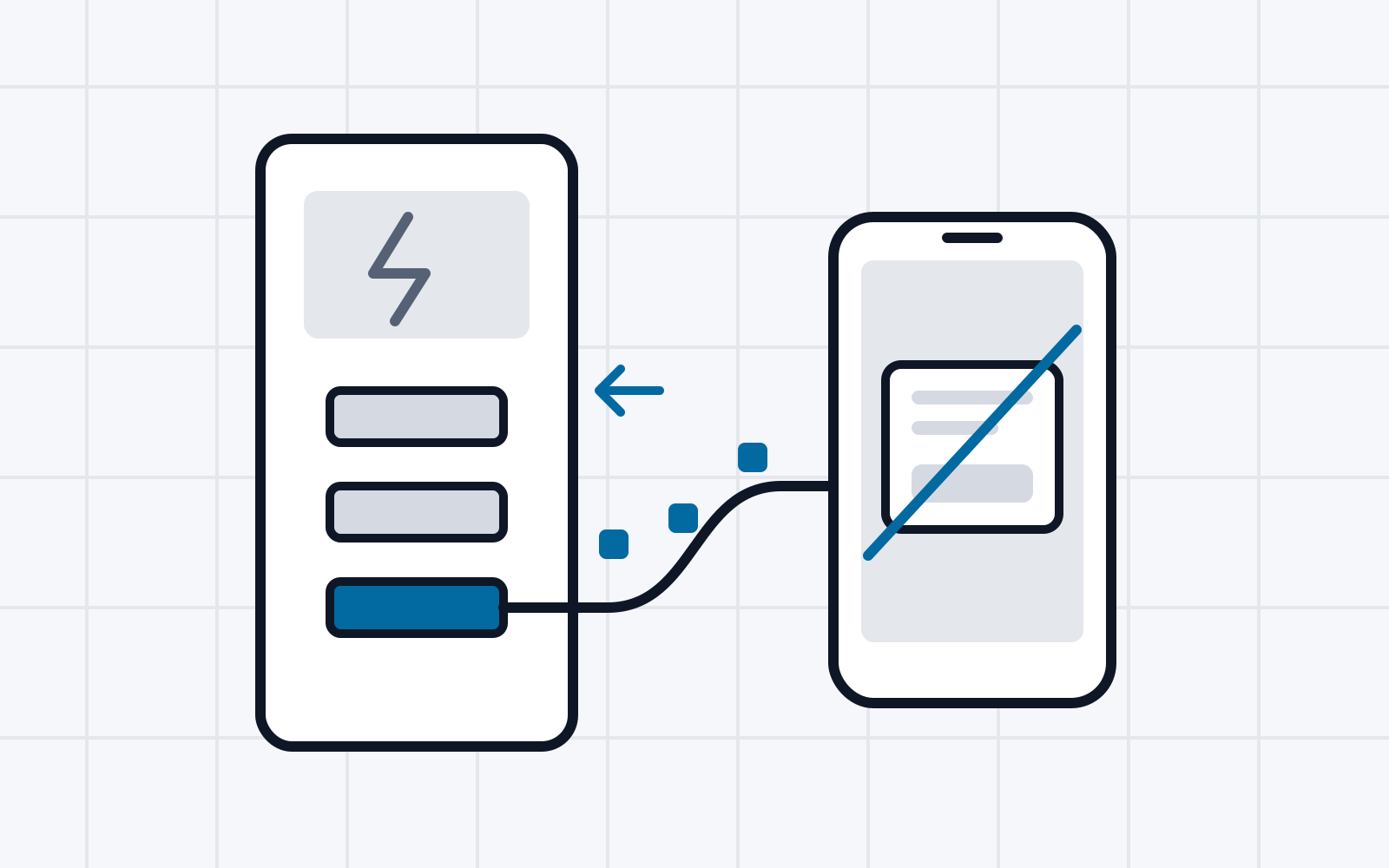
Attack 1: Android Open Accessory Protocol. Early Android devices did not universally support the USB host role. For example, a USB keyboard could not be connected to every device because of missing hardware support. Every device could, however, act as a USB device to exchange data with a computer. Also, with USB connectors predating USB-C, the power role was fixed to the data role. The USB host was always responsible for supplying power to a connected USB device. To overcome these limitations, Google created the Android Open Accessory Protocol (AOAP). It allows functionality normally reserved for USB devices to be implemented by a USB host. For example, a USB host can use special USB control requests to send input events to a USB device. According to the Android Open Accessory Protocol specification, the Android device must first be switched to a special accessory mode using another USB control request. In this mode, all other USB functionality is disabled. From a technical perspective, it should therefore be impossible to establish an MTP data connection while simultaneously sending input events through the Android Open Accessory Protocol. In practice, however, we found critical discrepancies between the AOAP specification and its implementation: on Android devices from every manufacturer, we were able to send input events through AOAP without first enabling accessory mode. An MTP data connection can therefore be established in parallel, and the input events can be used to perform the interaction required to authorize data sharing.
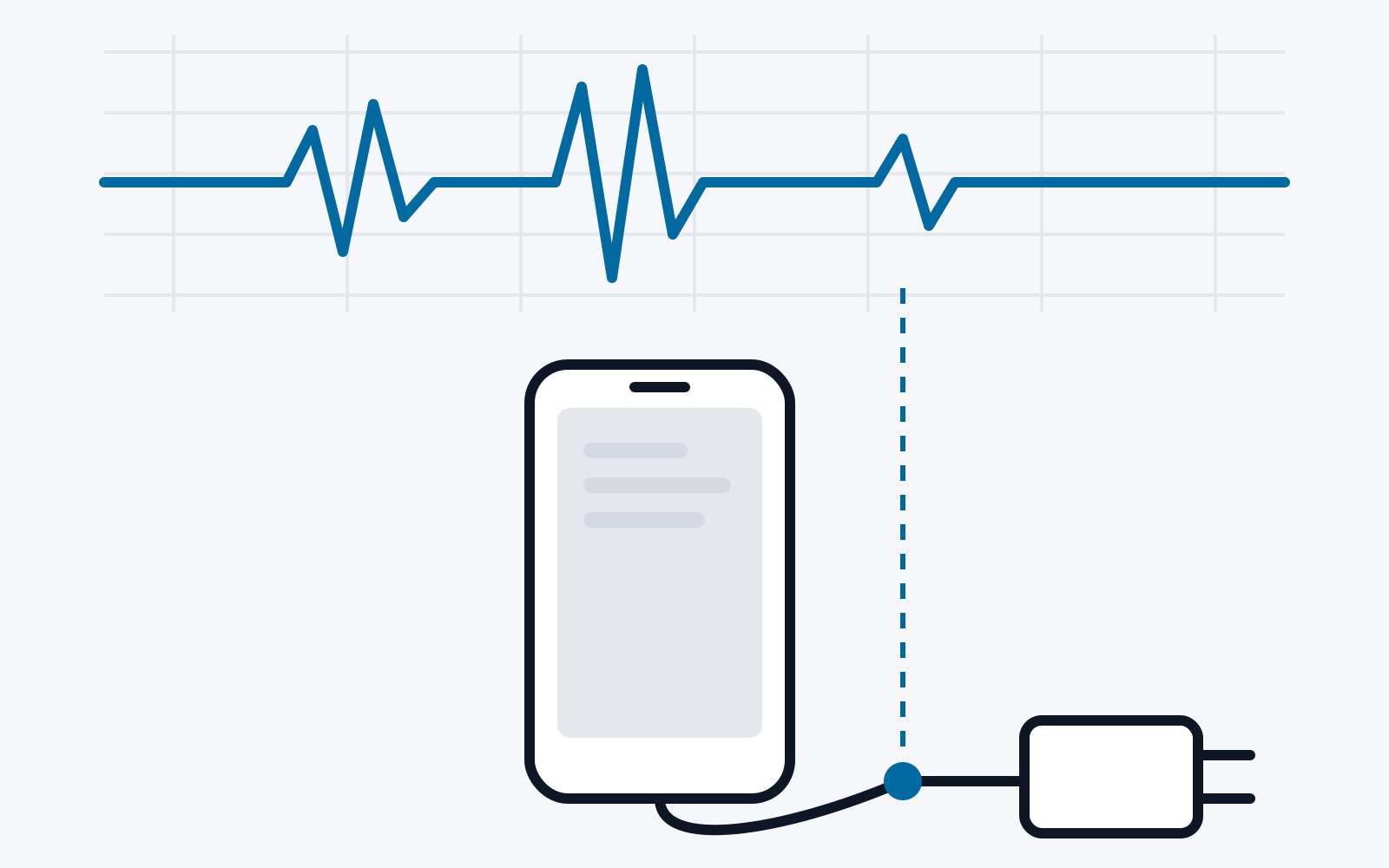
Attack 2: Race condition in Android’s InputDispatcher. Android is built on a Linux kernel. A kernel driver is responsible for reading input events from input devices and passing them to higher layers. On Android, the InputReader component in the InputManagerService system service receives the events and places them in a queue, from which the InputDispatcher consumes and distributes them. This queue acts as a buffer, ensuring that input events are processed in the correct order and are not lost even when the system is busy. We found that Android’s input subsystem retains input events in this queue even after the input device that generated them has been disconnected. In addition, Android’s InputDispatcher deliberately serializes keyboard events. It waits until all previous input events have been fully processed before dispatching a keyboard event. This means that a single process executing excessively complex logic in its keyboard input handler can delay input event dispatch for all other processes. We observed such keyboard input handlers in system processes or preinstalled applications on all the Android devices examined. A malicious charger can exploit this by starting as a USB peripheral and flooding the input queue with a specially crafted sequence of input events. The charger then switches the data roles using USB Power Delivery Data Role Swap. The charger now acts as a USB host, while the mobile device is still busy dispatching the attacker’s input events. These input events can therefore be used to perform the interaction required to confirm the data connection with the malicious charger.
Attack 3: Bluetooth input device. Finally, we identified a third attack method that affects both Android and iOS. Here, the attacker also hides a Bluetooth module inside the malicious charger. The attack begins with the charger acting as a USB input device. It sends input events to the mobile device that open the Bluetooth system settings. This makes the mobile device’s Bluetooth module discoverable by other nearby Bluetooth devices. The malicious charger can use this to obtain the mobile device’s Bluetooth address. It can then send a connection request to that address. In response, the mobile device displays a confirmation dialog for the connection. Acting as a USB input device, the malicious charger can confirm this dialog autonomously. The charger can now also send input events to the mobile device over the Bluetooth connection. It then switches its USB interface to USB host mode and forces the mobile device into the USB device role using USB Power Delivery Data Role Swap. The charger can now use the Bluetooth connection to perform the interaction required to authorize the USB data connection.
All three attacks were implemented in this project using a custom-built charger prototype. The prototype consists of a circuit board with a Raspberry Pi RP2040 microcontroller and USB-PD controllers. The board is controlled by a Raspberry Pi 4/5 single-board computer running the attack logic implemented in Python.
6. Attack Evaluation and Remediation
At least one of the attack variants described above works on every device tested. Most Android devices were vulnerable to all three methods.
The most powerful attack identified is the one exploiting the Android Open Accessory Protocol. The attack is particularly difficult to notice on devices that use a dialog for user interaction. On a Samsung Galaxy S20 FE, for example, the confirmation dialog is visible for only about 133 milliseconds during this attack, roughly half the duration of a human blink. The malicious charger then has access to the user’s data on the device without being noticed. An unsuspecting end user has no chance of noticing the attack.
6.1. Impact of the Attacks
All attacks allow a malicious charger to access user data stored on the mobile device. On every device tested, this includes at least all screenshots, photos, and videos. On Android, access extends to additional data, such as downloads, documents, the list of installed apps, and certain app data, for example media received through messaging apps.
6.2. Remediation
All attacks were reported to the affected manufacturers as part of this project. The manufacturers acknowledged the attacks and, in some cases, have already released fixes. In iOS 18.4, for example, users must now authenticate using a PIN, fingerprint, or facial scan when confirming the USB data-sharing dialog. Android 15 prevents the attacks by likewise requiring authentication when changing the USB mode in the system settings. Nevertheless, many devices remain vulnerable to the attacks presented here. This is because many Android manufacturers have not yet rolled out Android 15 to their devices. Furthermore, given the differences observed between Android manufacturers, it remains unclear whether all manufacturers will incorporate Google’s Android 15 countermeasures into their own Android variants.
6.3. Risk to End Users
End users are particularly exposed to juice-jacking attacks in places where charging is frequently needed but only public infrastructure is available. Airports are one example: travelers in transit may want to remain reachable after several hours of travel despite having an empty phone battery. Airports therefore commonly provide USB ports or even cables that travelers can use to charge their mobile devices.
This presents an ideal opportunity for an attacker. By replacing the electronics or firmware in a charger, an attacker can modify it to steal private data from all mobile devices connected in the future. An inconspicuous attachment to existing infrastructure is also conceivable, similar to the devices used to modify ATMs for skimming attacks in the past.
6.4. Recommendations for End Users
End users have several options for protecting themselves against juice-jacking attacks:
- Use your own charger or power bank. Avoid charging your mobile device through a public USB or USB-C port, or one shared with strangers. Bring your own power bank instead. Standard power sockets are often available alongside USB ports; bringing your own charger allows you to use them.
- USB data blockers. For particularly cautious or at-risk users, products are available that plug in between public charging infrastructure and the user’s mobile device, physically preventing data communication. However, they may also block fast-charging protocols, reducing charging speed.
- Charge with the device switched off. If connecting your mobile device to an unfamiliar USB port is unavoidable, switch it off completely beforehand. When switched off, USB communication is generally unavailable, and the device’s storage is additionally encrypted.
- Install operating system updates as soon as they become available. Security vulnerabilities in the USB stack continue to be found even in the most modern mobile operating systems. Installing updates as soon as they are available provides the best possible protection against exploitation of these known vulnerabilities.
7. Summary
This project examined the security of the widely used mobile operating systems iOS and Android against attacks involving malicious chargers. We first provided an overview of the different countermeasures. We then analyzed these measures from a technical perspective to examine the underlying USB trust model. Finally, using three different attack methods, we demonstrated that existing measures cannot prevent USB-based data theft by malicious chargers. Some of our novel attacks take only a few milliseconds, are barely detectable by end users, and still work on many widely used mobile phones.
References
[1] W. H. L. S. M. S. K. Weizhi Meng, “JuiceCaster: Towards automatic juice filming attacks on smartphones,” Journal of Network and Computer Applications, vol. 68, 2016.
[2] H. G. Q. Y. Yuanda Wang, “GhostTalk: Interactive Attack on Smartphone Voice System Through Power Line,” in Network and Distributed Systems Security (NDSS) Symposium, 2022.
[3] Compaq, Digital Equipment Corporation, IBM PC Company, Intel, Microsoft, NEC, Northern Telecom, “Universal Serial Bus Specification,” January 1996. [Online]. Available: https://web.archive.org/web/20180130144424/https://fl.hw.cz/docs/usb/usb10doc.pdf. [Accessed: January 2024].
[4] Compaq, Digital Equipment Corporation, IBM PC Company, Intel, Microsoft, NEC, Northern Telecom, “Universal Serial Bus Specification Revision 1.1,” September 1998. [Online]. Available: https://fabiensanglard.net/usbcheat/usb1.1.pdf. [Accessed: January 2024].
[5] Compaq, Hewlett-Packard, Intel, Lucent, Microsoft, NEC, Philips, “Universal Serial Bus Specification Revision 2.0,” April 2000. [Online]. Available: http://sdpha2.ucsd.edu/Lab_Equip_Manuals/usb_20.pdf. [Accessed: January 2024].
[6] USB Implementers Forum, Inc, “On-The-Go Supplement to USB 2.0 Specification,” December 2001. [Online]. Available: https://www.rockbox.org/wiki/pub/Main/DataSheets/OTG1_0a.pdf. [Accessed: January 2024].
[7] Hewlett-Packard Company, Intel Corporation, Microsoft Corporation, NEC Corporation, ST-NXP Wireless, Texas Instruments, “Universal Serial Bus 3.0 Specification,” November 2008. [Online]. Available: http://www.softelectro.ru/usb30.pdf. [Accessed: January 2024].
[8] USB 3.0 Promoter Group, “Universal Serial Bus Type-C Cable and Connector Specification,” August 2014. [Online]. Available: https://www.usb.org/sites/default/files/USB%20Type-C%20Spec%20R2.0%20%20August%202019.pdf. [Accessed: January 2024].
[9] USB 3.0 Promoter Group, “Universal Serial Bus Power Delivery Specification,” July 2012. [Online]. Available: https://www.usb.org/document-library/usb-power-delivery. [Accessed: January 2024].