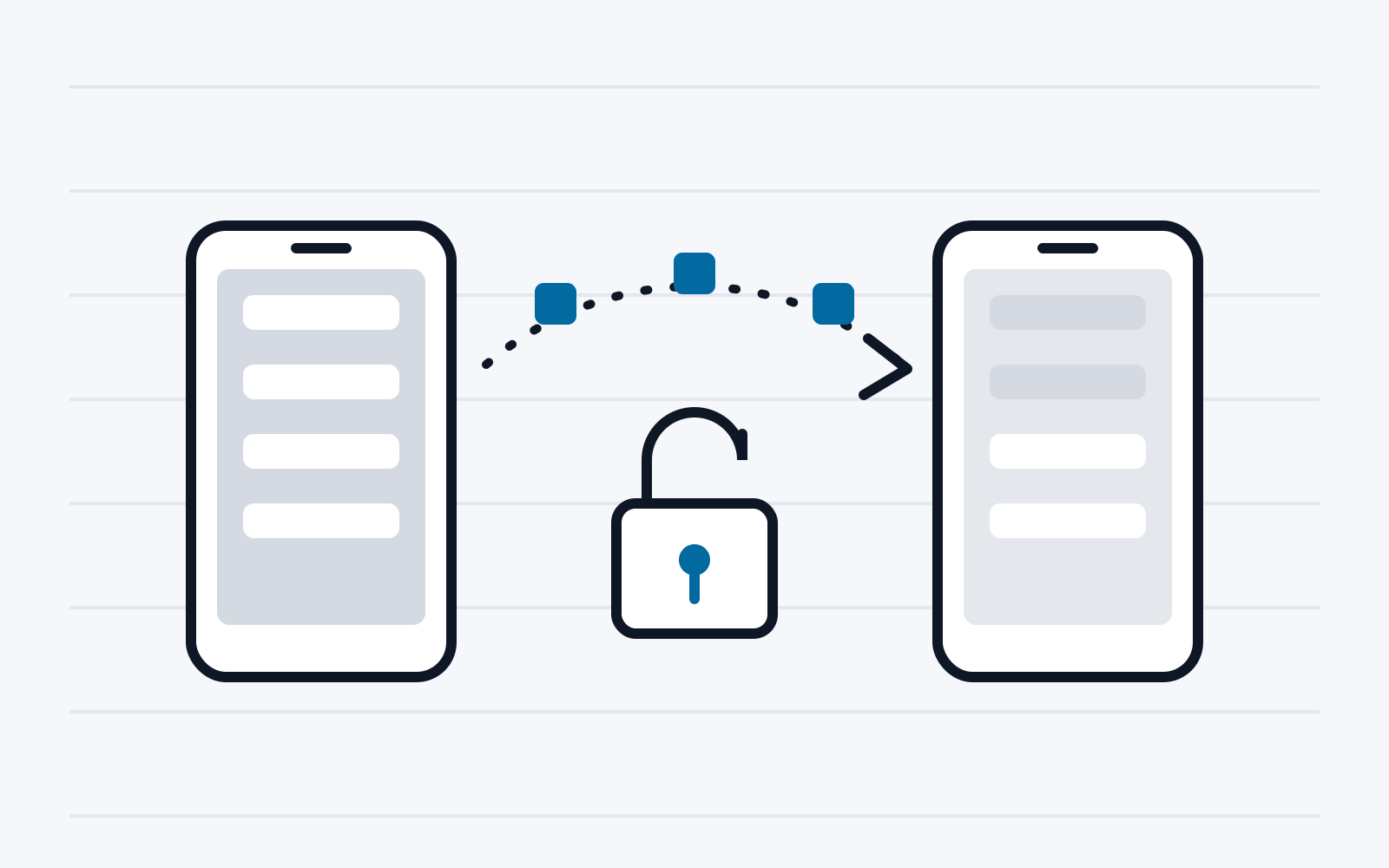
To make the switch to a new mobile device easier, many device manufacturers offer software solutions that allow existing data to be transferred easily from the old device. For maximum user convenience, these solutions usually integrate deeply into the operating system. Nevertheless, no current detailed analyses of the transfer mechanisms and security of data migration apps are available.
In this project, such analyses were carried out for the tools of two popular manufacturers of mobile devices. In the first step, the protocol layers of the respective transfer mechanisms were analysed in depth. Based on the findings, various attack targets were defined and possible attack vectors were evaluated in detail. Exploits were written for the security problems found and submitted to the manufacturers.
1. Introduction
Even within the already fast-moving electronics sector, the market for mobile devices such as smartphones and tablets is subject to particularly frequent change. At short intervals, the large manufacturers try to win customers over with ever new product launches. Even when a user was convinced by a competitor’s offering, they often shied away from switching simply because of the administrative effort of transferring all the data entered on the old device (apps, configurations, internet accounts, Wi-Fi credentials, documents, pictures, …) to the new device. To remove this obstacle, most manufacturers of mobile devices have introduced their own data migration tools in recent years. These usually allow data to be transferred to the new device either from another device of the same manufacturer or from a device of a different manufacturer. This report deals in particular with data transfer apps that enable migration to an Android device.
Although users are hardly aware of it, the special role of these data transfer tools in the security architecture of Android must be emphasised. A central element of the security architecture is the app sandbox. It not only restricts the access of apps to the resources of the operating system, but also ensures that the data of one app cannot be accessed by any other app. Apps often store credentials for online accounts here, for example, so access to this data (for instance by a malicious app on the same device) could have far-reaching consequences for the user. Even apps that are preinstalled on the device are not exempt. In regular operation, only the operating system is able to access the data of installed apps. The operating system alone also has access to device configurations such as Wi-Fi credentials.
As a rule, the manufacturer of the new device determines which data migration tool the user has to use. The tool is usually already delivered with the new device and run during initial setup. On the old device, the tool is usually downloaded from the Play Store. On the new device, the device manufacturer usually equips the tool with special permissions (effectively as part of the operating system) to simplify automated integration of the received data. On the old device, however, it usually runs as a third-party app without special permissions. The reason for this lies again in the security architecture of Android: apps can only be given special permissions if they are signed with the same certificate as the operating system itself. In practice, this usually means that only apps from the device manufacturer can have special permissions.
An interesting special case is migration between two devices of the same manufacturer. Here, the migration tool runs with special permissions on both devices. This allows not only the received data to be integrated automatically on the new device, but also more data to be extracted from the old device. The migration tool gains access, for example, to the app data mentioned above or to Wi-Fi credentials. Effectively, data that is normally protected by the operating system against unauthorised access leaves the device.
For this report, one data migration solution was examined with regard to migration between two devices of the same manufacturer (the findings also allow conclusions about migration from a device of a different manufacturer), as well as one app that allows migration between two devices of different platforms (Android and iOS).
2. Background
This section explains the technologies that are necessary for understanding the later explanations.
2.1. Android
Android is the most popular operating system for mobile devices such as smartphones and tablets. The system is developed within the Android Open Source Project (AOSP) by several device manufacturers under the leadership of Google. From a technical point of view, it is an operating system based on a Linux kernel. However, the userspace components differ significantly from those of any other Linux distribution. They were newly developed specifically for the requirements of mobile devices.
2.2. Security architecture
The security architecture of Android at the file system level is based on a strict separation of the data of each individual app. Each application runs in an isolated environment (“sandbox”) and receives its own private data directory on the file system, which is accessible exclusively to it. These private data folders are located in the directory /data/data/[app package name]/ and are created automatically when the app is installed. By default, only the app itself has permission to access its folder.
In this private folder, the app can store sensitive data, such as user settings, databases and cache files. The Linux permissions and the unique user ID (UID) assigned to each app ensure that other apps and processes cannot access this folder by default. This prevents data from being read or manipulated without authorisation.
On Android devices there is a large number of preinstalled apps that come either from the device manufacturer, the network operator or Google itself. These preinstalled apps, often referred to as “system apps”, differ from regular user apps through special permissions and deeper integration into the operating system. These privileged permissions can give them access to more sensitive data and system resources, for example hardware controls, system logs, network settings and location data. The permissions for these apps are defined directly in the system code or in the Android permission lists and do not have to be approved separately by the user at installation.
In addition to preinstalled system apps, apps installed later can also receive privileged permissions, provided they are signed with the manufacturer’s system certificate. The system certificate is a cryptographic certificate that is created and controlled only by the device manufacturer. This signature ensures that the app comes from the manufacturer and is regarded as trustworthy. If an app that was not originally preinstalled is signed with the system certificate, it can access special permissions, just like the preinstalled system apps.
Manufacturers often use this option to provide certain applications or updates for devices that have already been delivered and that must be deeply integrated into the system functionality. Since these privileged apps can potentially influence sensitive system functions, the operating system must ensure that only correctly signed and authenticated apps receive these permissions. During installation, Android checks whether the system certificate is present and, where necessary, refuses the installation if an app wrongly attempts to access system rights.
The possibility of installing privileged apps later is, however, severely restricted for end users and is mainly used by device manufacturers and network operators. Users normally cannot install apps with system rights themselves, because the certificate is not publicly accessible and remains an important control mechanism for the security of the device.
2.3. Wi-Fi and WPA2
The data migration tools examined use Wi-Fi for data transfer. This technology is based on the IEEE 802.11 standard and enables wireless network connections via radio waves. The standard defines various versions and extensions that offer different speeds, ranges and frequency bands. The most common frequency ranges are the 2.4 GHz and 5 GHz bands. The 802.11 standards comprise several variants, including 802.11a, 802.11b, 802.11g, 802.11n and 802.11ac, which allow increasingly higher data transfer rates and improved network efficiency. Wi-Fi is used worldwide in private households, offices and public areas to connect devices such as computers, smartphones, tablets and smart home technology. Communication usually takes place between an access point and a client. In everyday use, ranges of up to 45 metres (2.4 GHz band) or 15 metres (5 GHz band) are possible. Depending on the environment and the end devices used, however, these values can be exceeded considerably.
To prevent attackers within this range from eavesdropping on the communication, Wi-Fi networks are usually secured with a security protocol. Because of its wide use in the data migration tools examined, WPA2 is discussed in more detail here. It was developed as the successor to WPA and WEP (Wired Equivalent Privacy). It is based on the AES (Advanced Encryption Standard) encryption algorithm. WPA2 protects both authentication and data transfer and ensures that only authorised devices can access the network. WPA2 was introduced in 2004 and is still a widely used standard that is recommended for most modern Wi-Fi networks. In many cases, networks use the WPA2-PSK (Pre-Shared Key) variant. It is based on a shared, predefined key with a minimum length of 8 characters. When a client wants to connect to the access point, it signals this request to the access point, which replies with a random value (Anonce). The client then also generates a random value (Snonce), which it sends to the access point. Based on the PSK, the network name (SSID, which the access point broadcasts unencrypted at regular intervals) and the two nonces, both communication partners then calculate a Pairwise Transient Key (PTK), which is used to encrypt the further communication. AES is usually used as the cipher.
Several decisive weaknesses of WPA2 must be addressed here, which make it harder for the audited data migration tools to implement secure communication:
-
If a passive attacker within range of the access point and a particular client knows the PSK (the password of the network), they can decrypt all of its communication.
-
WPA2 allows offline attacks. An attacker can record the encrypted communication and crack it later.
To compensate for these design weaknesses, communication partners must use additional security protocols at a higher protocol layer. If the Wi-Fi network is used for internet access, this function is usually fulfilled by the TLS encryption of HTTPS connections. An improved security protocol for Wi-Fi that eliminates the weaknesses of WPA2 is already available in WPA3, but it is not yet widely deployed.
3. Security analyses
In this section we describe the security analyses carried out as part of this project.
3.1. Data migration tools examined
As part of this project, the data migration tools of two popular manufacturers of mobile devices were examined:
-
Xiaomi Mi Mover 4.2.8
-
Apple Move to iOS 3.5.5
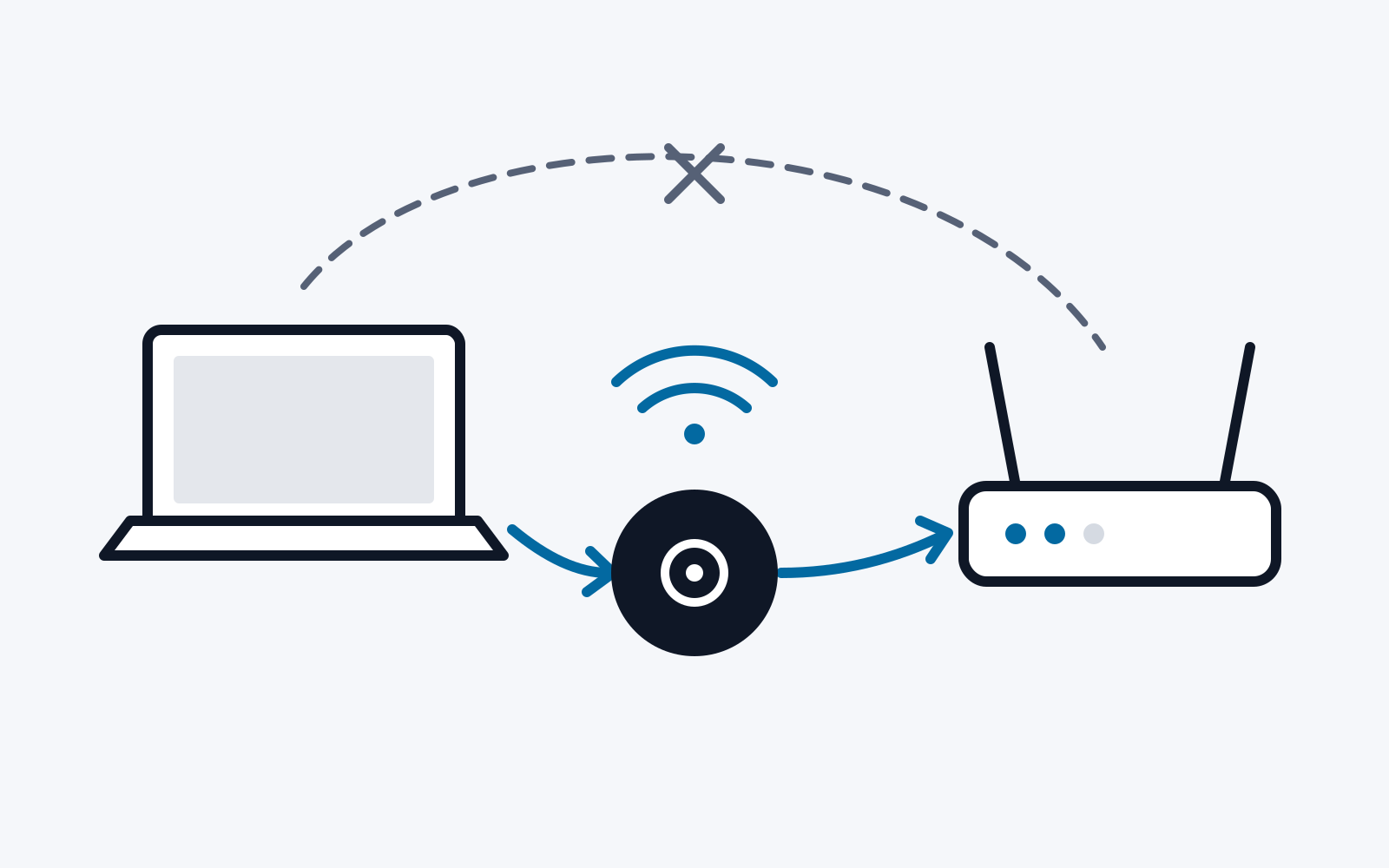
According to Google Play, both applications have been installed on more than 100 million devices. The basic way the two apps work is also similar: the new device starts a Wi-Fi hotspot, so it acts as an access point. The old device connects to this access point. The data is then transferred from the old to the new device via TCP.
3.2. Methodology
The applications were first run once to analyse how they work:
-
Which WPA version is used?
-
How is the connection established?
Each app was then examined statically to obtain information about possible vulnerabilities:
-
How is the WPA2 pre-shared key calculated?
-
Is an additional security protocol used to compensate for the weaknesses of WPA2?
The tools JADX (for Dalvik bytecode) and Ghidra (for native shared objects) were used for the static analysis.
When the static analysis raised suspicion of vulnerabilities, we intensified our investigations by means of dynamic analysis. Among other things, the Wi-Fi communication was recorded and decrypted with the PSK (shown in the user interface). For this we used Kali Linux on a Raspberry Pi 5. To capture the Wi-Fi frames, a Wi-Fi adapter that supports the so-called monitor mode must be used. Here we used an adapter with the mt7610u chipset from Mediatek.
4. Results
4.1. Apple Move to iOS
The tool is used to migrate data from an Android device to an iOS device. Since the app has no special permissions on the Android side, only data that is accessible via public interfaces can be transferred. Pictures, videos and documents deserve particular mention here, as they can still have highly personal content.
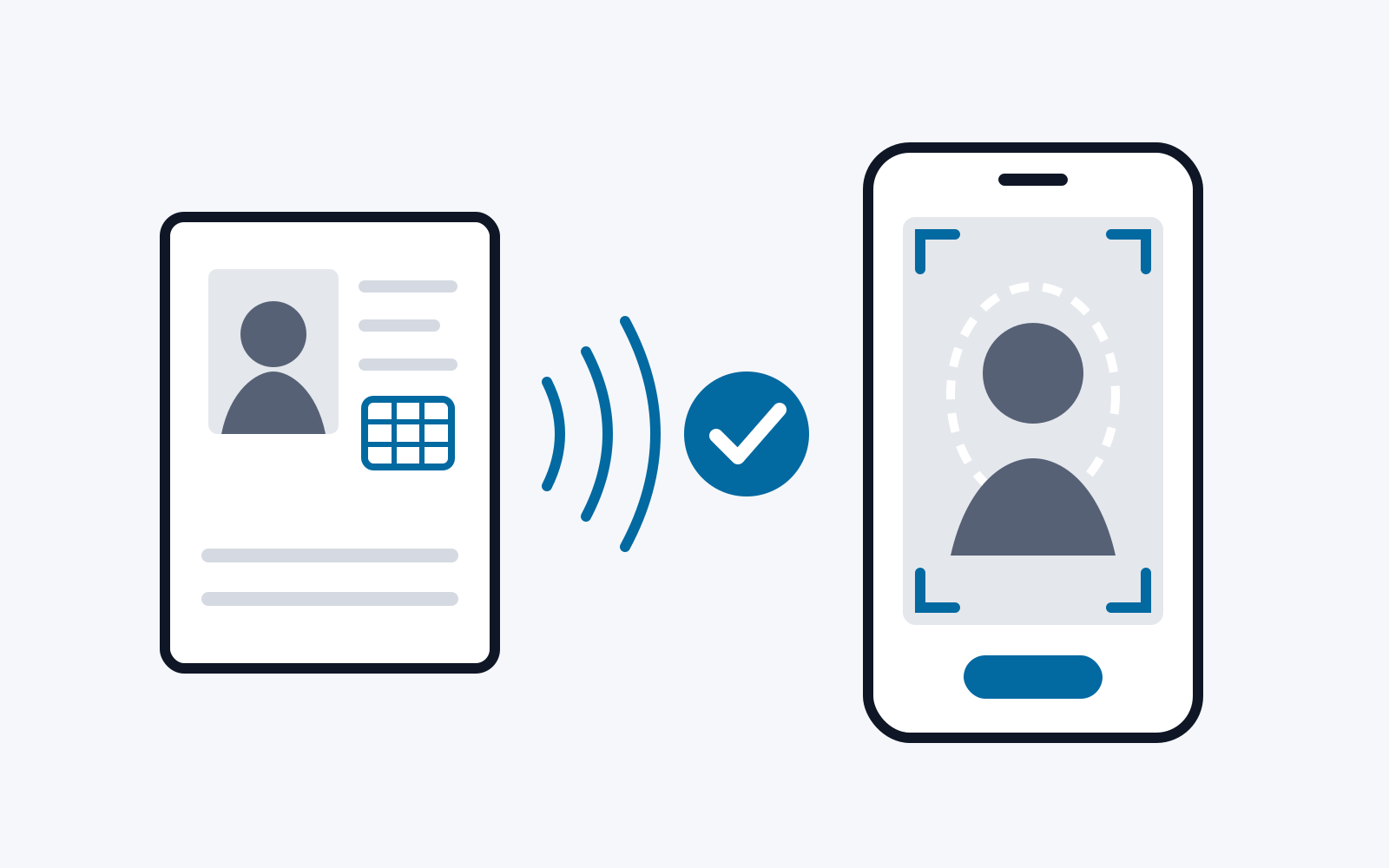
To establish the connection, the app requires the user to read a 6-digit PIN displayed on the (new) iOS device and enter it in the Move to iOS app on the (old) Android device. The Wi-Fi hotspot started on the iOS device uses WPA2.
The static analysis of the app shows that the SSID of the access point is also used as its PSK. Since the SSID is regularly broadcast unencrypted to all devices in the vicinity, any device within range can thereby establish a Wi-Fi connection with the iOS device. Knowledge of the PIN described above is not necessary for this. The SSID of the access point is derived from a constant string and the first 5 characters of the hexadecimal representation of the SHA1 hash of the first 2 digits of the PIN. Because of the very limited search space, the first 2 digits of the PIN can therefore be calculated from the SSID by brute force. Effectively, only the remaining 4 digits of the PIN are actually secret. There are therefore only 10^4 possible PINs.
The entropy of the PIN, however, plays no role for the security of the subsequent TCP connection, since the app uses the Secure Remote Password protocol. Here, the PIN is woven into an asymmetric key exchange in such a way that not only passive eavesdropping is made impossible, but a man-in-the-middle attack without knowledge of the PIN can also be prevented. It is decisive here that brute-forcing of the PIN is prevented: establishing a connection with a wrong PIN immediately causes a new PIN to be generated and used. In the static analysis we were able to establish that exactly this happens in all possible error cases. The key negotiated by means of SRP is then used to exchange TLS certificates in encrypted form. These are then used for a TLS connection over which the actual data is transferred.
4.2. Xiaomi Mi Mover
Xiaomi Mi Mover is used to quickly set up a new Xiaomi device with data from a previously used Android device. In general, the app transfers app installation files (APK), but not the app data created through the operation of the apps. In addition, pictures, videos and documents in particular can be transferred. If the old device is also a Xiaomi device, far more information can be transferred. In that case, for example, app data, system settings and the stored credentials for Wi-Fi networks are supported.
The analysis of the functionality shows that the connection is established largely automatically. The user only has to select the new device (which starts the access point) in the user interface on the old device. This way of working suggests that some kind of short-range communication (NFC, Bluetooth) is used in the first step to hand over the PSK of the Wi-Fi network to the old device in such a way that physical proximity, and thus observability of the communicating device, is ensured.
The static analysis of the app shows that such functionality is present in the app, but is not used. Instead, the PSK is derived from the random SSID of the access point. This means that, with knowledge of the exact derivation function, any attacker within Wi-Fi range of the access point can derive the PSK themselves and decrypt the communication of all clients within range. To make it harder for attackers to learn the derivation function, it was implemented in a native library. This is therefore a case of security by obscurity.
The further analysis of the app also shows that, apart from WPA2, no other security protocol is used. This means that even with a random Wi-Fi password, an offline attack on the communication would be possible.
As an additional “security measure”, only a single client may be present in the access point created by Xiaomi Mi Mover. If another client tries to connect, the handshake is rejected even with the correct PSK. This precaution is probably intended to prevent an attacker from sneaking in during an ongoing connection and injecting data into the communication. However, this overlooks that a multi-channel man-in-the-middle attack also makes it possible to inject Wi-Fi frames into the connection in such a way that, to the access point, all communication appears to come from a single (the legitimate) client.
As soon as a client has successfully connected to the access point on the new device, Mi Mover reconfigures it so that the 5 GHz band is used. This is probably meant to allow a higher data rate. The user then selects the data to be transferred on the old device and confirms the transfer. It is then carried out over a proprietary protocol based on Protobuf. Data is combined into TAR archives and transferred in this form. Before each transfer, metadata is sent that, for example, marks application packages so that they are installed on the target device, together with their app data, after successful transfer. Several parallel connections are established for the data transfer.
5. Attack on Xiaomi Mi Mover
Based on the findings of the security analysis of Xiaomi Mi Mover, an attack (exploit) was implemented that allows a passive attacker within Wi-Fi range to read all transferred data. To do so, the attacker follows these steps:
-
The attacker scans the SSID beacons in all Wi-Fi channels in the 5 GHz band (which is used for the actual data transfer) until they find a network that can be identified as Xiaomi Mi Mover by the first part of the SSID.
-
The attacker uses, for example, Wireshark to record the communication in the identified network until a disassociation shows that the transfer has ended.
-
The attacker uses a slightly modified version of the static library (native shared object) from the Xiaomi Mi Mover app to calculate the PSK from the SSID. As part of the modification, the signature check is removed that is meant to ensure that the library can only be used in the unmodified Mi Mover app. For our exploit, we use the Java library unidbg [1] to emulate the library, that is, to be able to run it on any computer independently of the Android operating system and the ARM instruction set.
-
The attacker uses, for example, Wireshark [2] to decrypt the recorded communication by means of the generated PSK and the nonces recorded from the handshake.
-
The attacker extracts the parallel TCP streams from the decrypted communication, puts the packets in the correct order and removes packets transmitted twice. Wireshark can also be used for this.
-
The attacker interprets the extracted communication on the basis of the Protobuf definitions of the proprietary transfer protocol. For our exploit, we were able to extract these definitions by a combination of manual work and protodump [3]. A purpose-written tool then separates the data metadata and contents from each other.
A prototype of this exploit was implemented and submitted to Xiaomi in October 2024, together with a summary of our security analysis.
6. Summary
In this project, two data migration tools from popular manufacturers of mobile devices were examined for their security. For this purpose, the applications were first assessed visually by their functionality and then subjected to static and dynamic analyses. Considerable security problems emerged for Xiaomi Mi Mover, which can lead to the undetected theft of all transferred data.
References
[1] Banny, „unidbg: Emulate Android native libraries,“ 2024. [Online].
[2] W. Foundation, „WireShark: The world’s most popular network protocol analyzer,“ 2024. [Online]. Available: https://www.wireshark.org.
[3] A. Tetelman, „protodump: A utility to dump all Protobuf file descriptors from a given binary as *.proto files,“ 2024. [Online]. Available: https://github.com/arkadiyt/protodump.