Sign PDF documents with legal validity in seconds. PDF-Over is the free application for Windows, macOS and Linux that lets you sign PDF documents with your ID Austria – as a qualified electronic signature, legally equivalent to a handwritten signature. No more printing and scanning.
Download (version 4.4.9): Windows · macOS (Intel) · macOS (Apple Silicon) · Linux
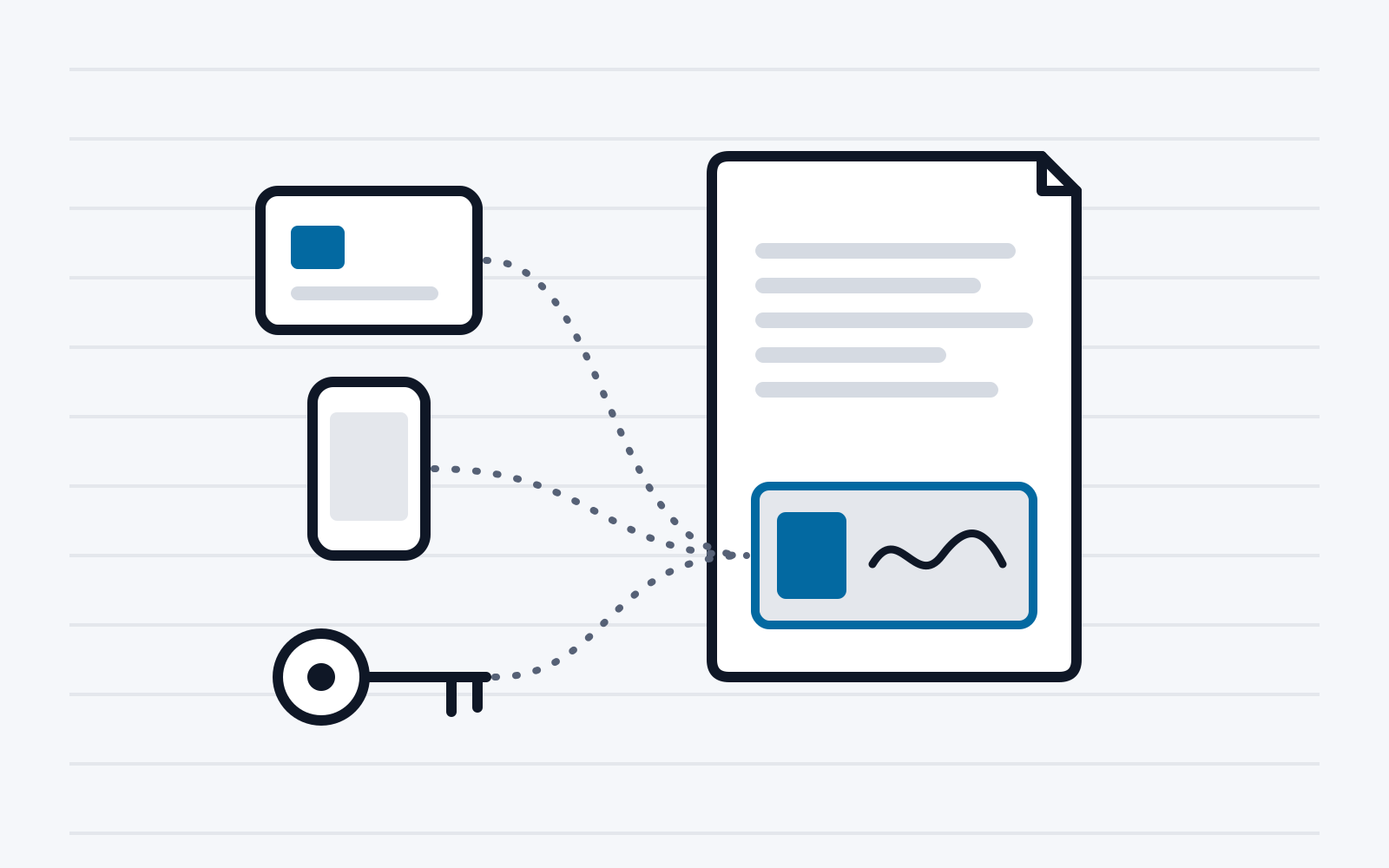
Signed in three steps
- Open a PDF: drag and drop it or use the file dialogue.
- Place the signature box: drag it to the desired position in the document.
- Sign: start the signature and confirm it in the ID Austria app.
Having problems? See the frequently asked questions below.
Features
- Place it freely: put the signature box exactly where it belongs.
- Visible signature: the signature box can be customised.
- Custom image: show, for example, a company logo instead of the signature box.
- Official signature: a ready-made profile for the official signature of authorities (Amtssignatur) is included.
- Multiple signatures: QR code placeholders define position and order (see frequently asked questions).
- Invisible signature: it appears only in the PDF metadata and has the same legal effect as a visible one.
- PDF/A: signed documents remain PDF/A compatible.
- For organisations: settings can be preconfigured and distributed to multiple devices (see frequently asked questions).
System requirements
- 64-bit operating system (from version 4.4.0)
- Windows 10 version 1607 or Windows Server 2016 and later (from version 4.4.9)
- macOS with an Intel or Apple Silicon processor
- Linux: as a Java archive (
.jar) - ID Austria for signing
Download
Always use the latest version. Only the latest version includes recent fixes and features.
Version 4.4.9
| Operating system | File | SHA256 |
|---|---|---|
| Windows | PDF-Over-4.4.9.msi | 30e20cb5a8f076be277b74ba9b4802b5e028cba7423bbe157f3bdbb5f4df4092 |
| macOS (Intel) | PDF-Over-4.4.9-x86_64.dmg | a375486dab901ca3881c63d323a1b3a5ebfefb1da59cce5bbe6b85e7b2da724a |
| macOS (Apple Silicon) | PDF-Over-4.4.9-aarch64.dmg | 80b46027a64c36547de58a65ea6644ebe9f46daf531c9cbf2ceea59551c3f299 |
| Linux (Java) | PDF-Over-4.4.9.jar | 27c3674c12654e2280108f08282232eddbb1c4ddb6e5e812703994838b359f5b |
Older versions, checksums and release notes: all versions on GitHub.
For 32-bit systems
Version 4.3.2 is the last version for 32-bit systems. It is end-of-life and no longer maintained: PDF-Over 4.3.2 on GitHub. Automatic updates can be switched off under „Settings → Advanced“.
Frequently asked questions
After clicking the ‚Sign‘ button or selecting the document to be signed with automatic positioning, the error message „Signature error“ appears. How can I fix this error?
In most cases, the error message „Signature Error“ appears when PDF-Over cannot establish a connection to the A-Trust server.
Common causes include:
- A firewall blocking the ports or URLs required for communication.
- An interrupted or unstable internet connection.
Please check the following:
Make sure your internet connection is active.
Check your firewall settings. The following URLs and ports must be allowed for PDF-Over:
- For automatic version checking:
https://updates.a-sit.at/ - For triggering the signature with ID Austria:
https://www.a-trust.at/mobile/https-security-layer-request/*andhttps://service.a-trust.at/mobile/https-security-layer-request/*
If the problem persists, please contact software@egiz.gv.at.
Can I preconfigure PDF-Over (e.g. with a custom logo or signature block) so that these settings are automatically applied on multiple devices?
Yes, this is possible. You can roll out PDF-Over with a preconfigured setup on multiple devices so that all users start with the same configuration.
How it works:
- Create a central configuration: Customize PDF-Over on one device as desired (e.g. logo, signature block, other settings).
- Distribute the configuration file: Copy the configuration file (located at
%USER_HOME%/.pdf-over/PDF-Over.config) into the%USER_HOME%/.pdf-overdirectory on all target devices. Any additional files required in this directory will be created automatically when PDF-Over is started. - Start PDF-Over: On first launch, PDF-Over will adopt the predefined settings. Any options not specified will automatically be set to their default values.
Note: Despite the unified initial configuration, each user can adjust their settings at any time. Changes made by a user apply only to their own device and override the central configuration.
What can I do if my login with username and password does not work („Username/Password incorrect“)?
In version 4.4.4 there was a known issue with special characters in usernames or passwords. This problem was fixed with version 4.4.5. If the problem also occurs with newer versions, please contact software@egiz.gv.at.
How can I ensure that my document is signed by multiple people at the designated locations?
To specify where one or more signatures should be placed in the document, it is recommended to use QR code placeholders. Each placeholder can be assigned a unique identification number. This allows you to define not only the exact position of the signatures, but – if desired – also the order in which they are applied. On the website https://pdf.egiz.gv.at/pdf-as-wai/qrCodeGeneration you can assign these identification numbers when creating QR placeholders. Placeholders with a lower identification number are used first. Additionally, the format of the signature block can also be individually configured there.
Where can I get the QR code to position the signature block in the document using a QR code placeholder?
You can create the QR code for positioning the signature block on the website https://pdf.egiz.gv.at/pdf-as-wai/qrCodeGeneration. There you can set the desired options for the QR code placeholder and generate the appropriate QR code. Insert this QR code at the desired location in your document so that PDF-Over can place the signature exactly there.
Source code and contact
PDF-Over is open source and built on PDF-AS. The source code is available on GitHub.
Questions and feedback: software@egiz.gv.at